★★★★★
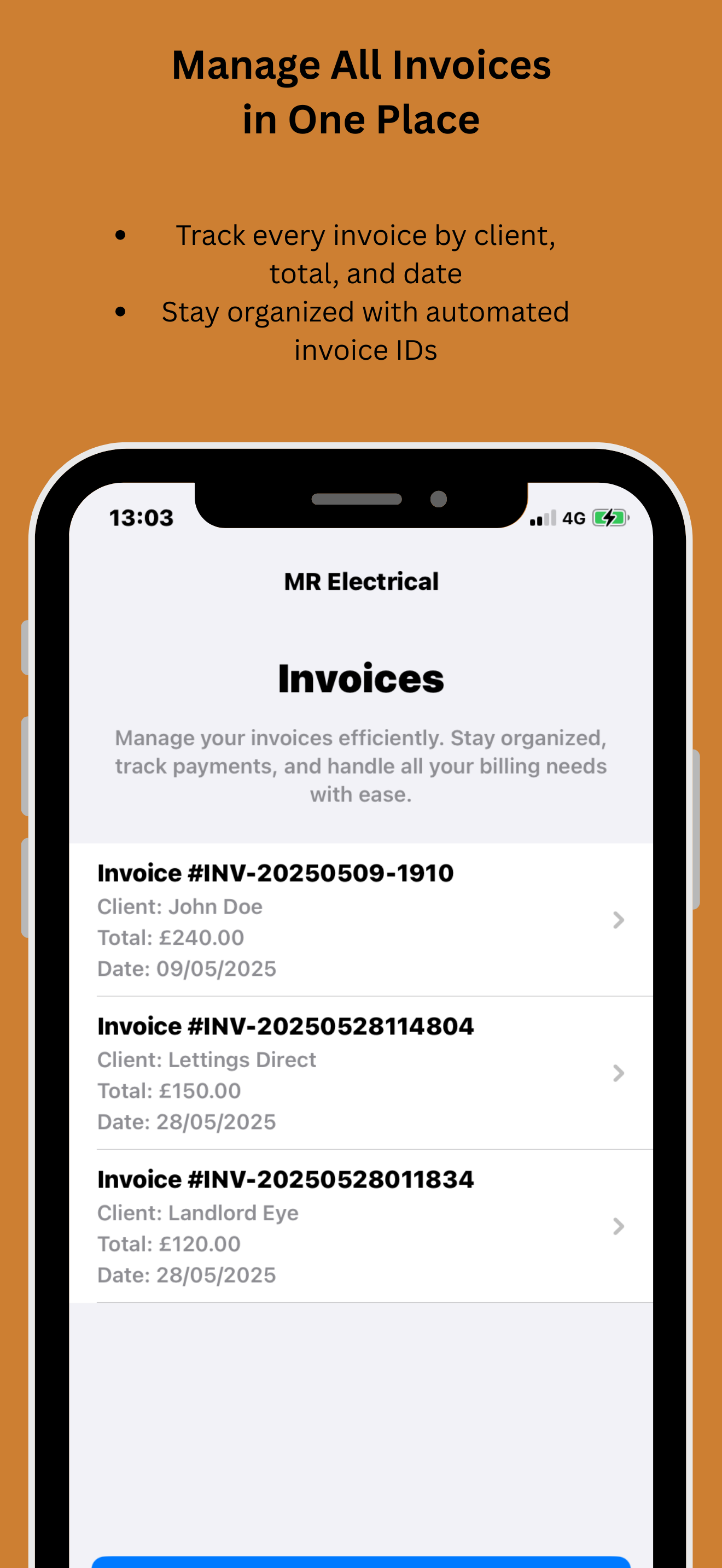
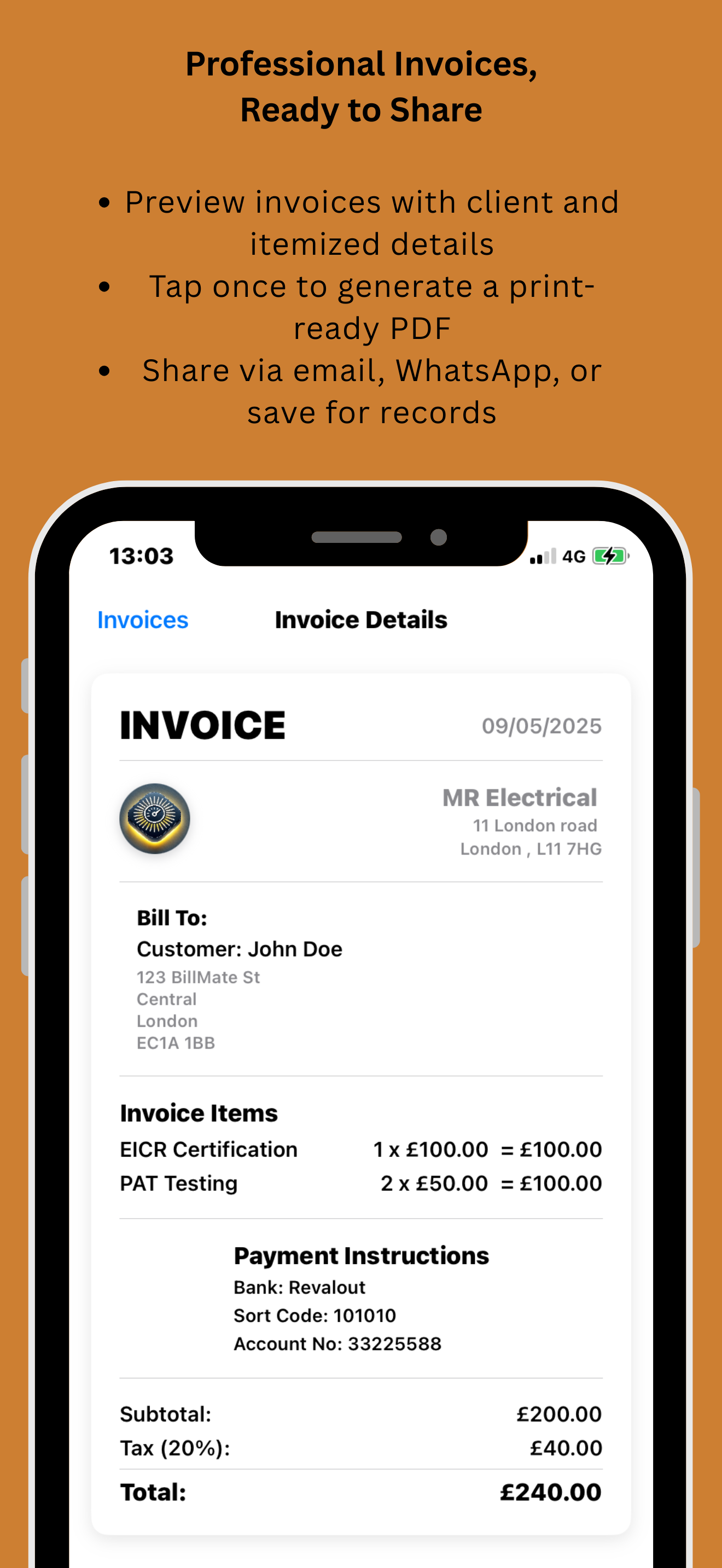
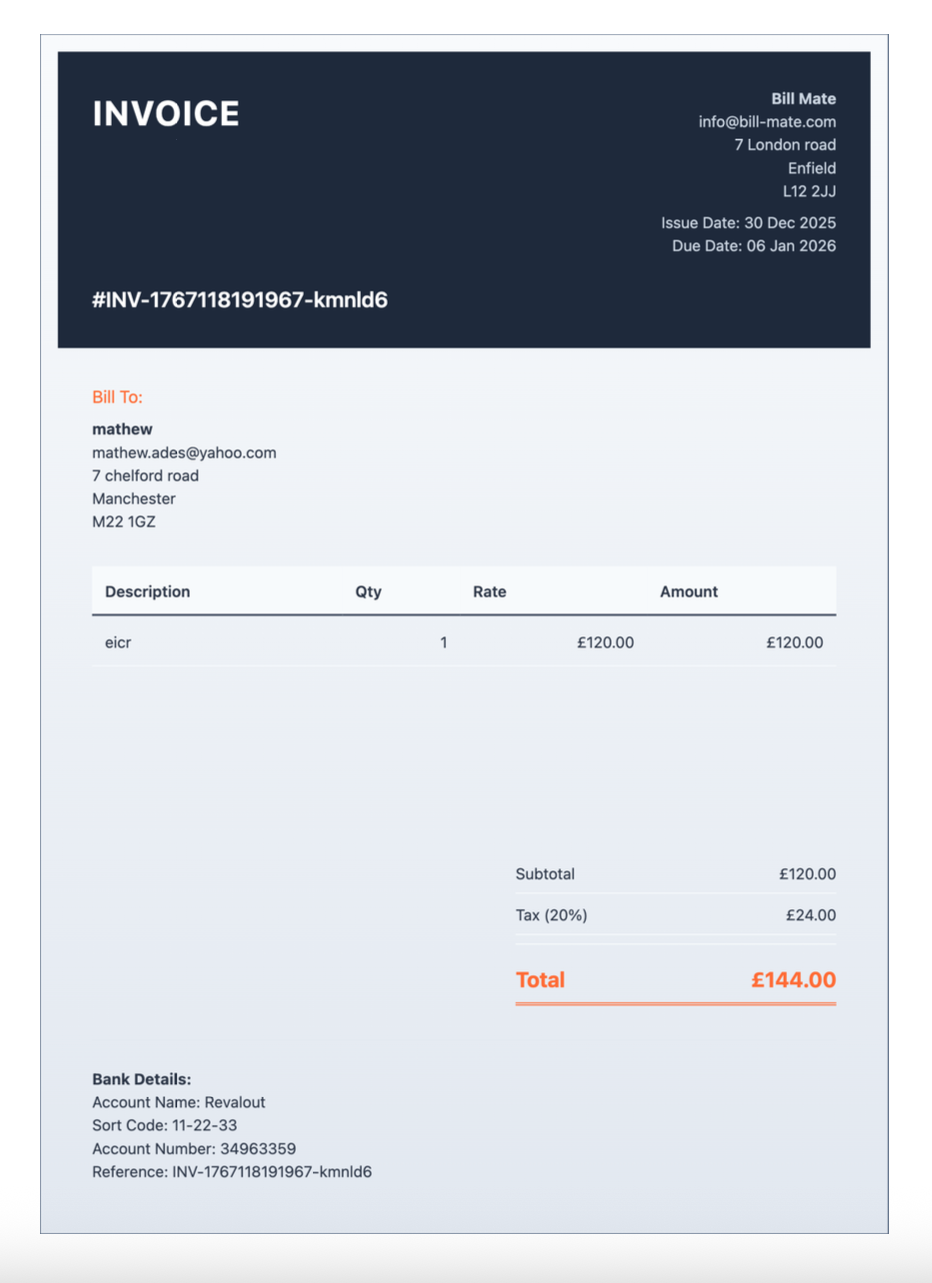
"Creating professional invoices used to take me hours. With BillMate, I send them out in seconds from my phone, and clients pay much faster. A total game changer."
★★★★★
"The payment tracking is brilliant. I get a notification the moment a client views the invoice, so no more 'I didn't receive it' excuses. My cash flow has never been better."
★★★★★
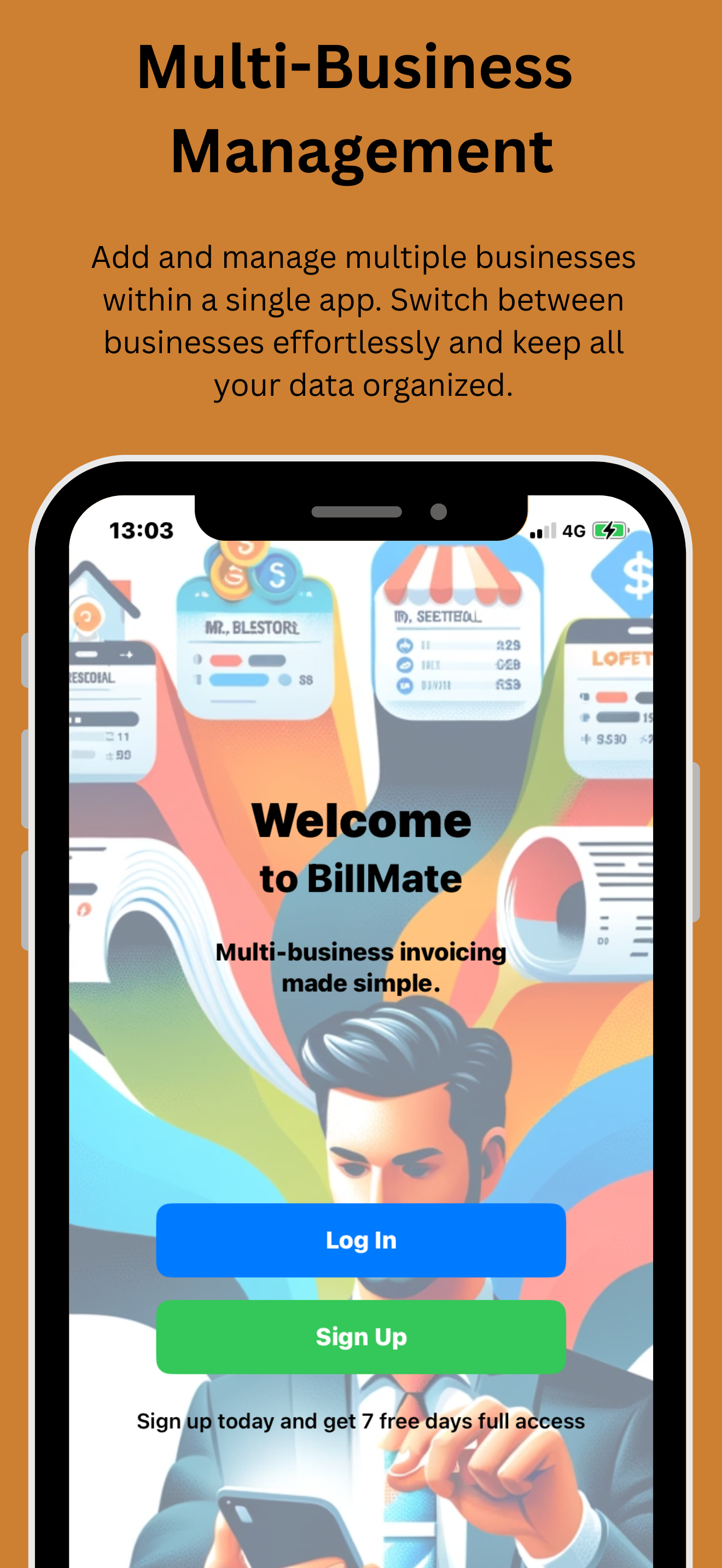
"I run three different companies and being able to switch profiles and invoice from the correct brand instantly is invaluable. The legal support feature is great peace of mind too."
★★★★★
"The automated reminders are my favorite feature. I don't have to have awkward conversations about money anymore; the app handles the chasing politely and effectively."
★★★★★
"Sending an invoice before I even drive away from the job site is amazing. The templates look professional and it makes my small business look like a big corporation."
★★★★★
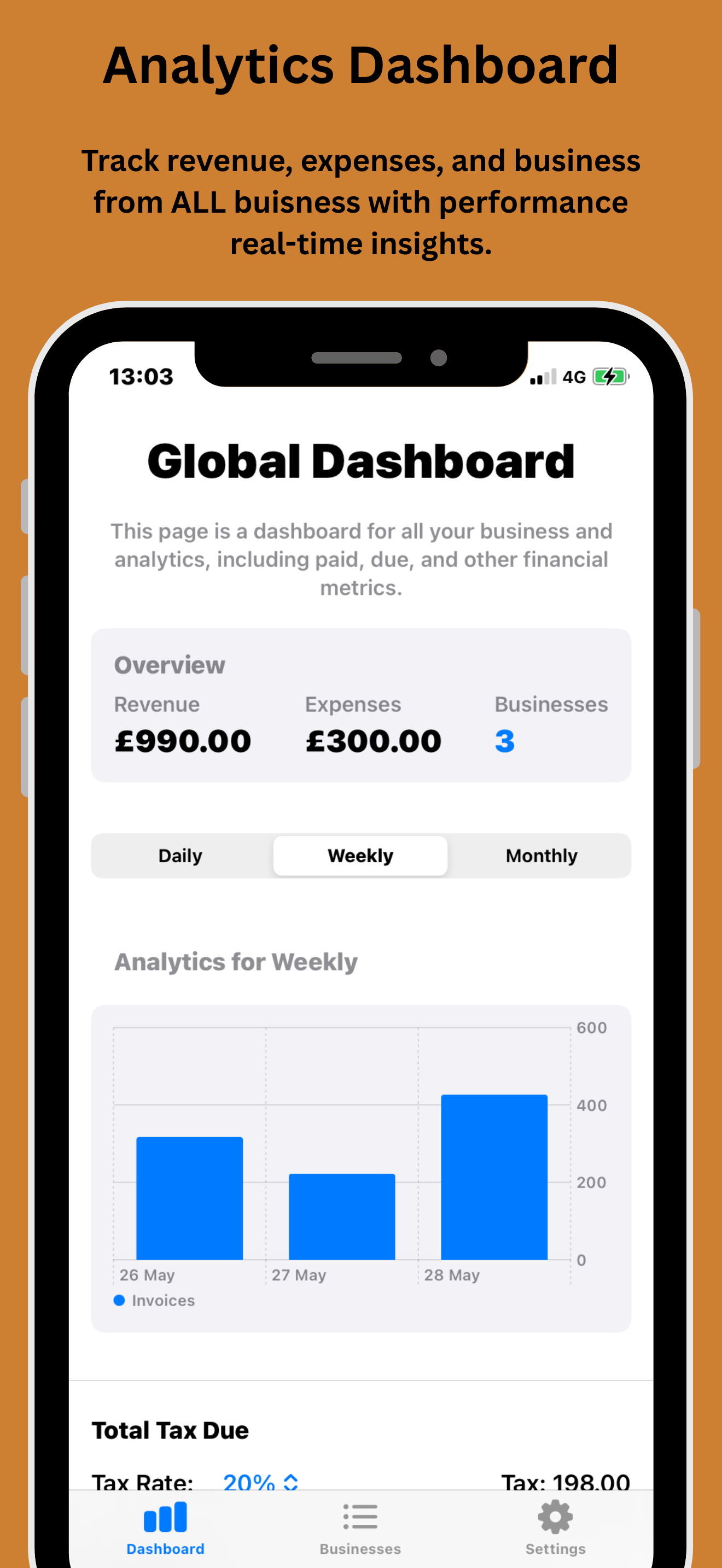
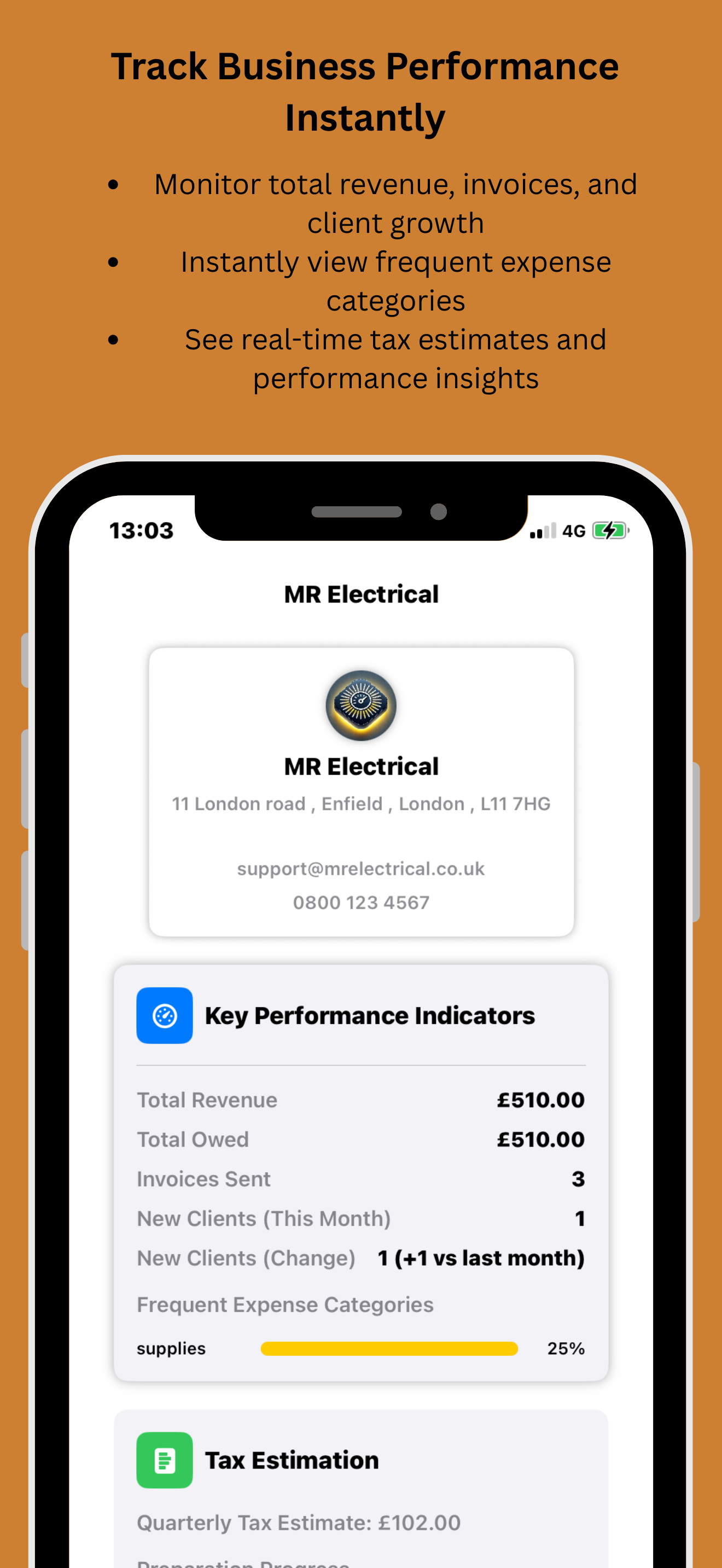
"I love that I can track expenses against my invoices to see my real profit. The dashboard gives me a perfect snapshot of my business health every morning."
★★★★★
"The multi-currency support is flawless. I invoice clients in the UK, US, and Europe, and BillMate handles the conversions and formatting perfectly every time."
★★★★★
"Best invoicing app on the App Store. Simple, clean, and fast. The ability to download PDF reports for my accountant saves me days of admin work at tax time."
★★★★★
"I photograph every receipt and log it as an expense on the spot. By the time tax returns come around everything is already categorised and my accountant loves me for it."
★★★★★
"I recommend BillMate to every small business owner I work with. The expense tracking alongside invoicing means they finally know their real profit, not just their revenue."
★★★★★
"Materials, fuel, tools — I log every business expense as I go. It used to pile up in a drawer. Now it's all tracked and I can download a full report any time."
★★★★★
"Tracking expenses and invoices in the same app is such an obvious idea but no one else does it this well. I can see exactly what a project cost versus what it earned."
★★★★★
"The expense breakdown charts in the dashboard are genuinely useful. I spotted I was spending way more on fuel than I realised and adjusted my pricing as a result."
★★★★★
"Subscriptions, software licences, ad spend — I log every business cost straight into BillMate. At the end of the month I know exactly where my money has gone."
★★★★★
"Timber, fixings, van hire — it all goes straight into expenses. I used to guess at my margins. Now I know exactly what each job costs and price accordingly."
★★★★★
"Cleaning products, equipment, staff costs — BillMate tracks it all. The PDF expense report is perfect for my accountant and takes seconds to generate."
★★★★★
"I track every site expense as soon as it happens. No more trying to remember what I spent three weeks ago. Everything is logged and categorised before I even get home."
★★★★★
"Having invoices and expenses in one system means I can see my actual profit margin at a glance. That's something I never had before and I didn't realise how much I needed it."
★★★★★
"Client materials, samples, travel — I attach the receipt to each expense and it's all stored in the app. Tax time went from a week of stress to an afternoon of admin."
★★★★★
"Paint, brushes, dust sheets — every job has costs and I track them all. I finally know which jobs are actually worth taking and which ones I was undercharging for."
★★★★★
"I manage two clients' books using BillMate. The expense tracking is clean and simple enough that even the least organised business owner can keep on top of it."
★★★★★
"Plant hire, diesel, aggregates — big job costs add up fast. Logging them in BillMate as I go means nothing gets missed and my job costing is always accurate."
★★★★★
"Books, resources, travel between students — I was never tracking any of it. BillMate made it so easy I actually started doing it and I'm claiming back a lot more at tax time."
★★★★★
"The ability to download a full expense report as a PDF in seconds is something I didn't know I needed. My accountant has actually commented on how well organised my records are now."
★★★★★
"Ingredients, equipment hire, staffing costs — catering expenses are complex. BillMate keeps it all straight and I can see my true profit on every event."
★★★★★
"I used to lose receipts constantly. Now I photograph them on site and they're stored in BillMate permanently. Never had a cleaner set of accounts going into self-assessment."
★★★★★
"Silver, tools, packaging, market stall fees — it all goes in. I finally know which products actually make money and which ones were costing me more than I charged."
★★★★★
"Plants, compost, tools, fuel — landscape jobs have a lot of costs. Tracking them all in BillMate alongside my invoices means I always know if a job was actually profitable."
★★★★★
"Craft supplies, snacks, insurance, OFSTED fees — I log it all. Never thought I'd enjoy doing my accounts but BillMate has made the whole thing genuinely painless."
★★★★★
"I track expenses separately for each of my two businesses. Completely clean records, no crossover, and a clear profit picture for both. That level of organisation used to cost me an accountant's hourly rate."
★★★★★
"CPD courses, equipment, website costs — I was never tracking any of it properly. BillMate changed that and I saved a meaningful amount on my last tax return as a result."
★★★★★
"Frames, sealants, fixings, van costs — I log everything. The visual expense charts showed me exactly where my margins were being eaten up and I've tightened up my quoting since."
★★★★★
"Wedding planning involves hundreds of small costs that add up fast. Having them all categorised in BillMate means I can give clients accurate breakdowns and protect my own margins."
★★★★★
"Hardware, software licences, mileage — it all goes into BillMate expenses. The dashboard shows my cost versus revenue split at a glance and I refer to it every single week."
★★★★★
"Products, equipment servicing, salon supplies — the expense tracker keeps it all tidy. I can pull a full monthly spending report in seconds which has completely changed how I manage my stock budget."
★★★★★
"Chemicals, PPE, vehicle costs — I log it all as I go. The expense vs invoice dashboard view tells me exactly how profitable each month is without needing to do any maths myself."
★★★★★
"I've tried other apps that do expenses or invoicing separately. BillMate does both and connects them. That's the difference — I actually understand my business finances for the first time."
★★★★★
"Equipment, travel, editing software, studio hire — I log every cost per shoot. Seeing what each job actually cost versus what it earned has completely changed how I price my packages."