Take control of your business spending with intelligent categorization, receipt capture, and real-time insights
Snap photos of receipts for instant digital storage
Auto-categorize expenses with AI suggestions
Instant insights into spending patterns
Track expenses across all your ventures
From capture to categorization - streamline your expense workflow
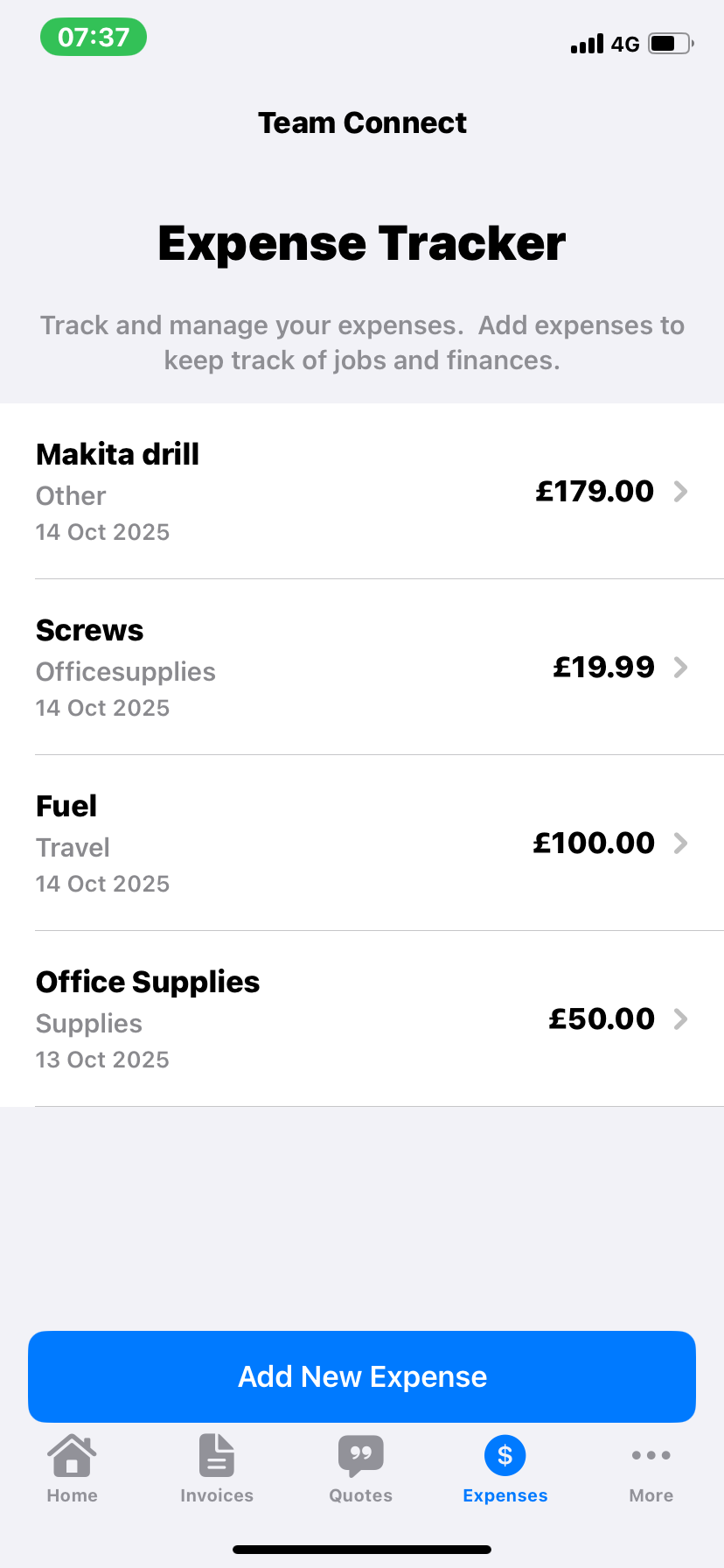
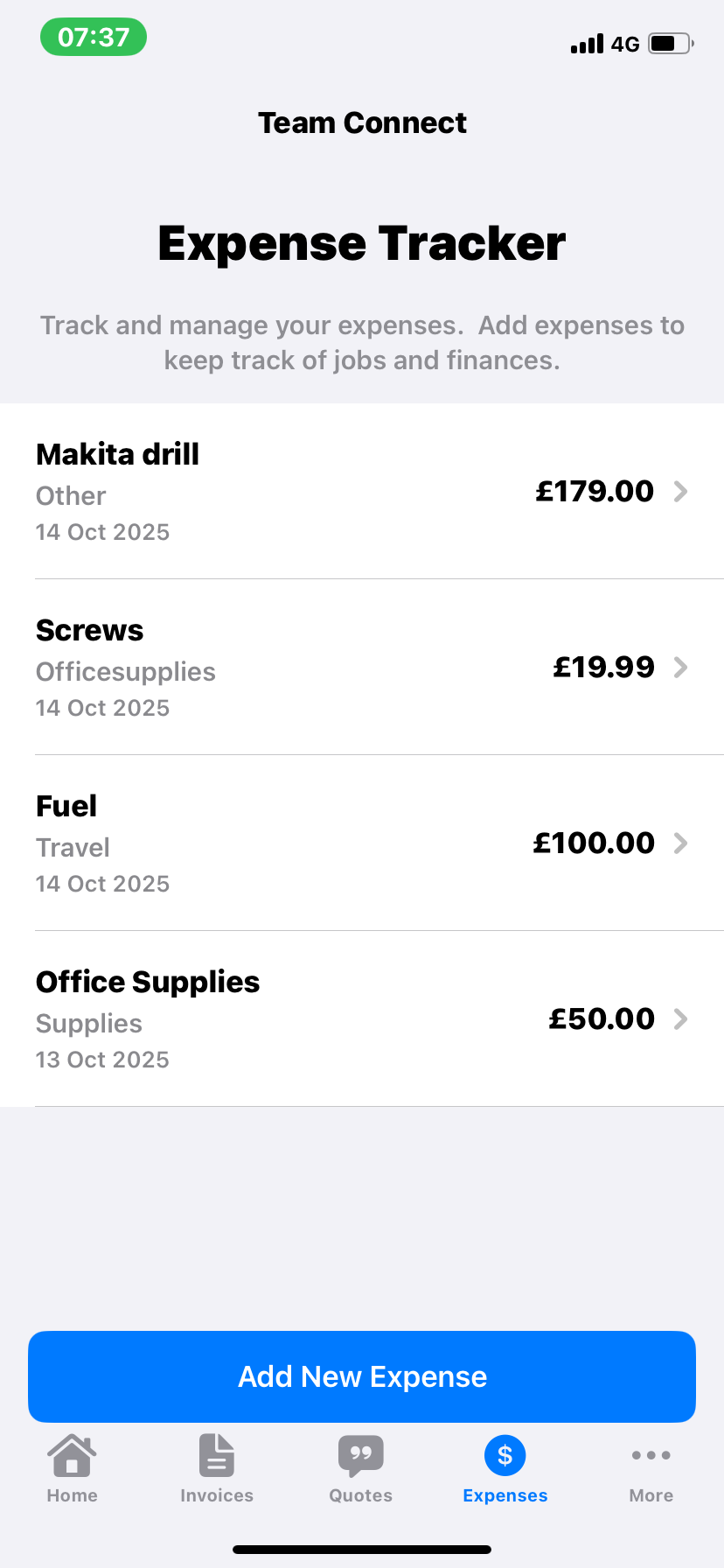
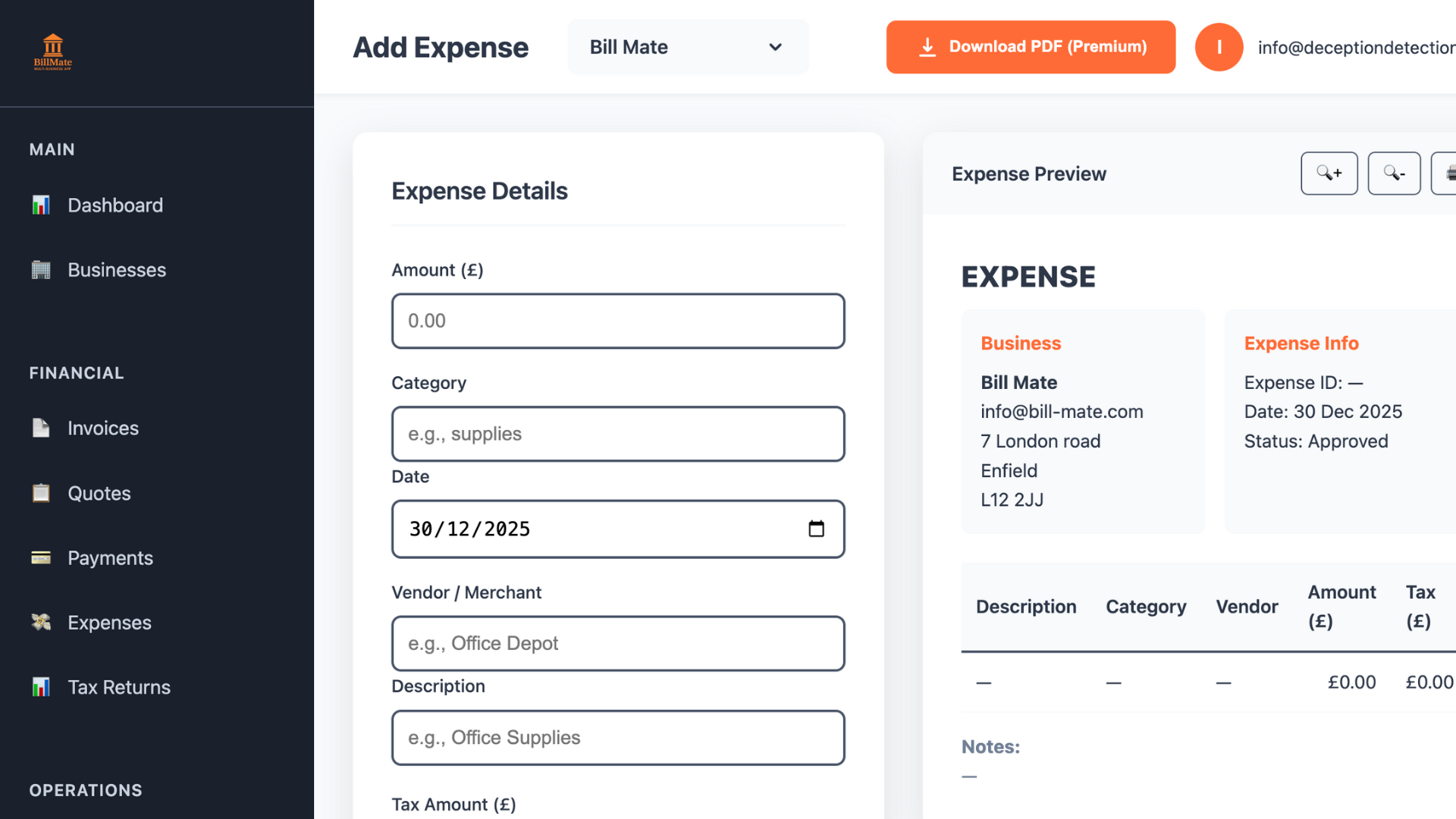
Add expenses in seconds with our intuitive interface. Capture receipts, add details, and categorize on the go - perfect for busy entrepreneurs.
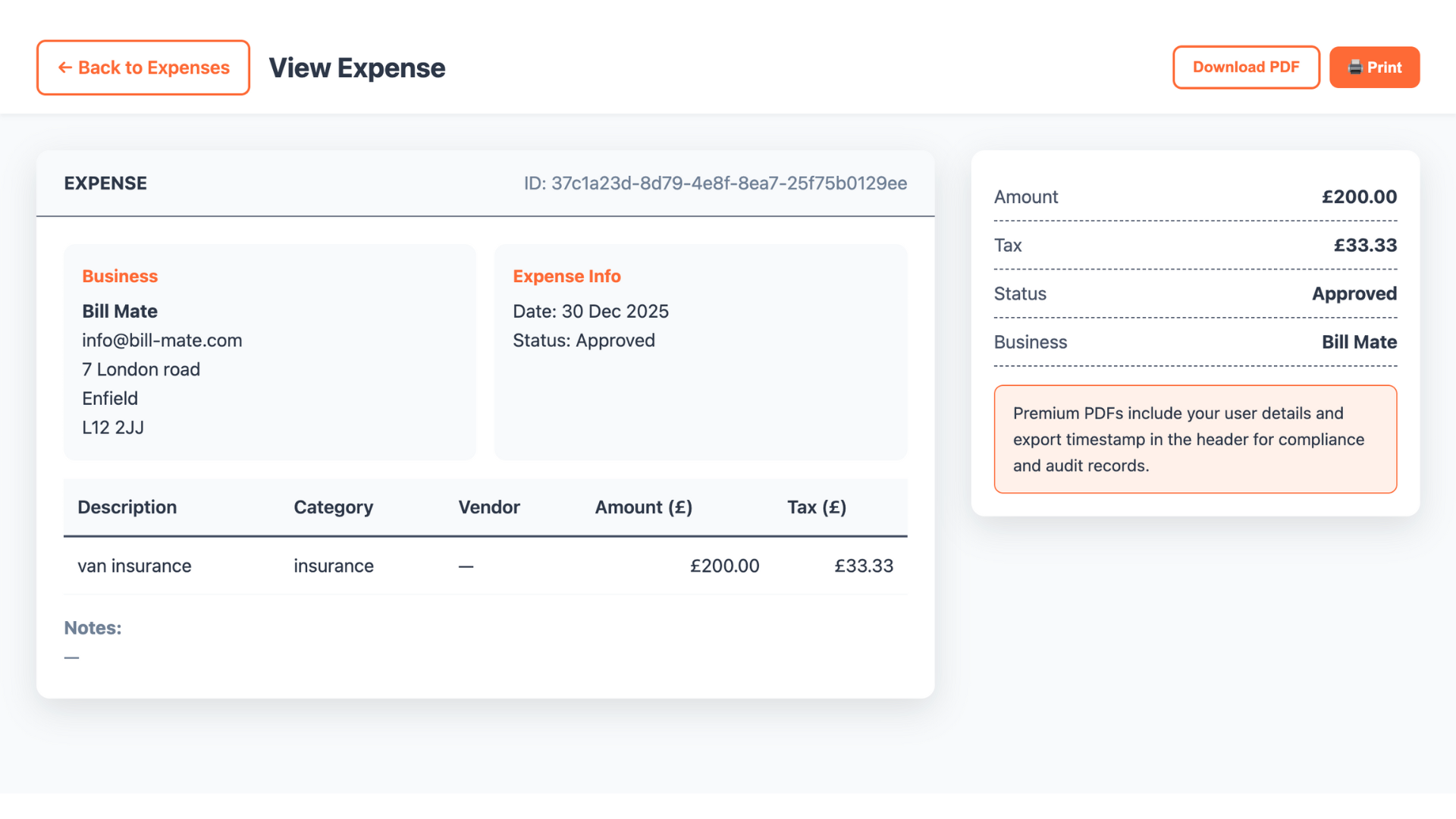
Monitor all your business expenses in one centralized dashboard. Filter by date, category, or business to get the insights you need instantly.
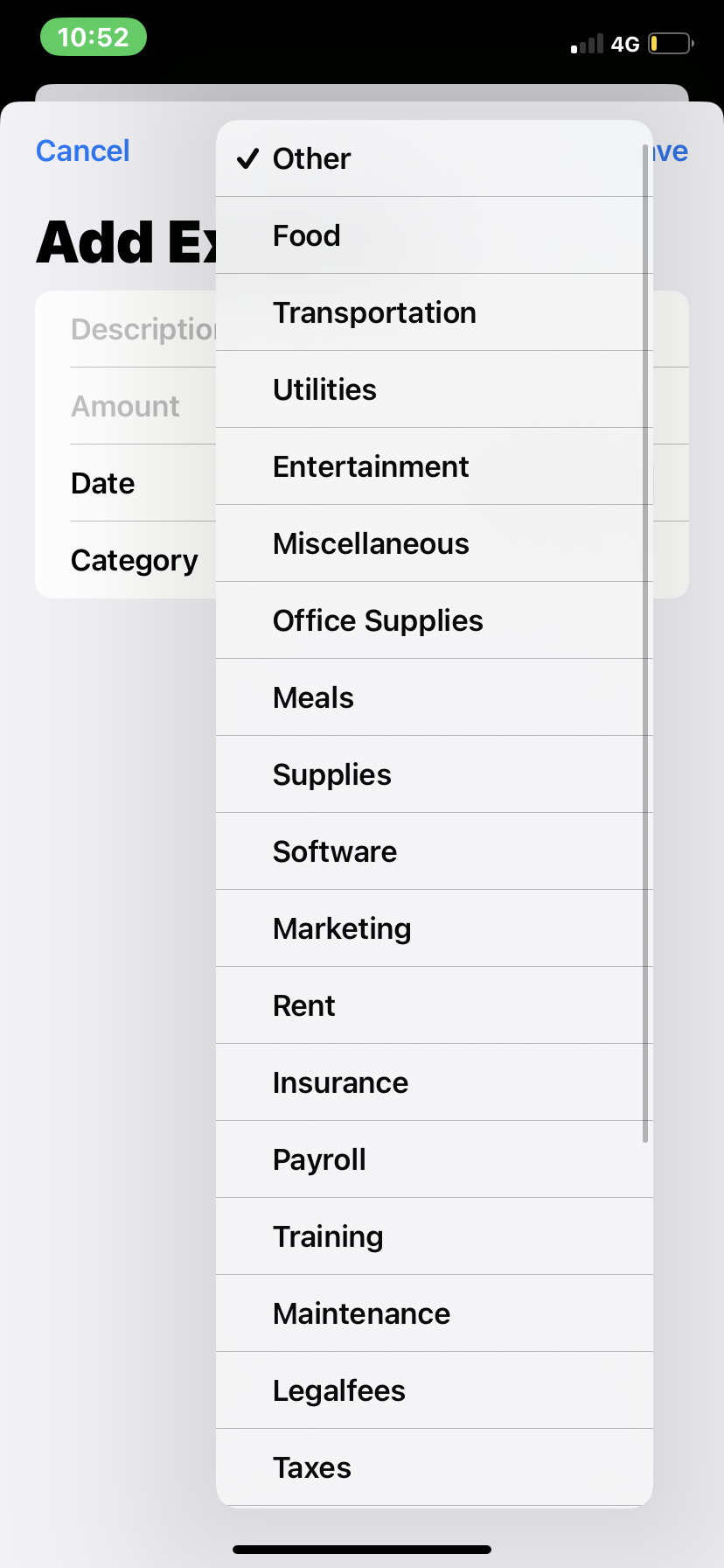
Help categorize and manage expenses more efficiently
AI automatically suggests the right category based on expense patterns
Prevents accidental duplicate entries with intelligent matching
One-tap approval for suggested categorizations and entries
Get alerts when spending exceeds typical patterns
Make data-driven decisions with comprehensive expense insights
Interactive charts and graphs showing spending trends, category breakdowns, and year-over-year comparisons.
Set budgets by category and get real-time alerts when approaching limits. Never overspend again.
Access detailed expense reports on the go. Perfect for meetings, tax preparation, or financial planning.
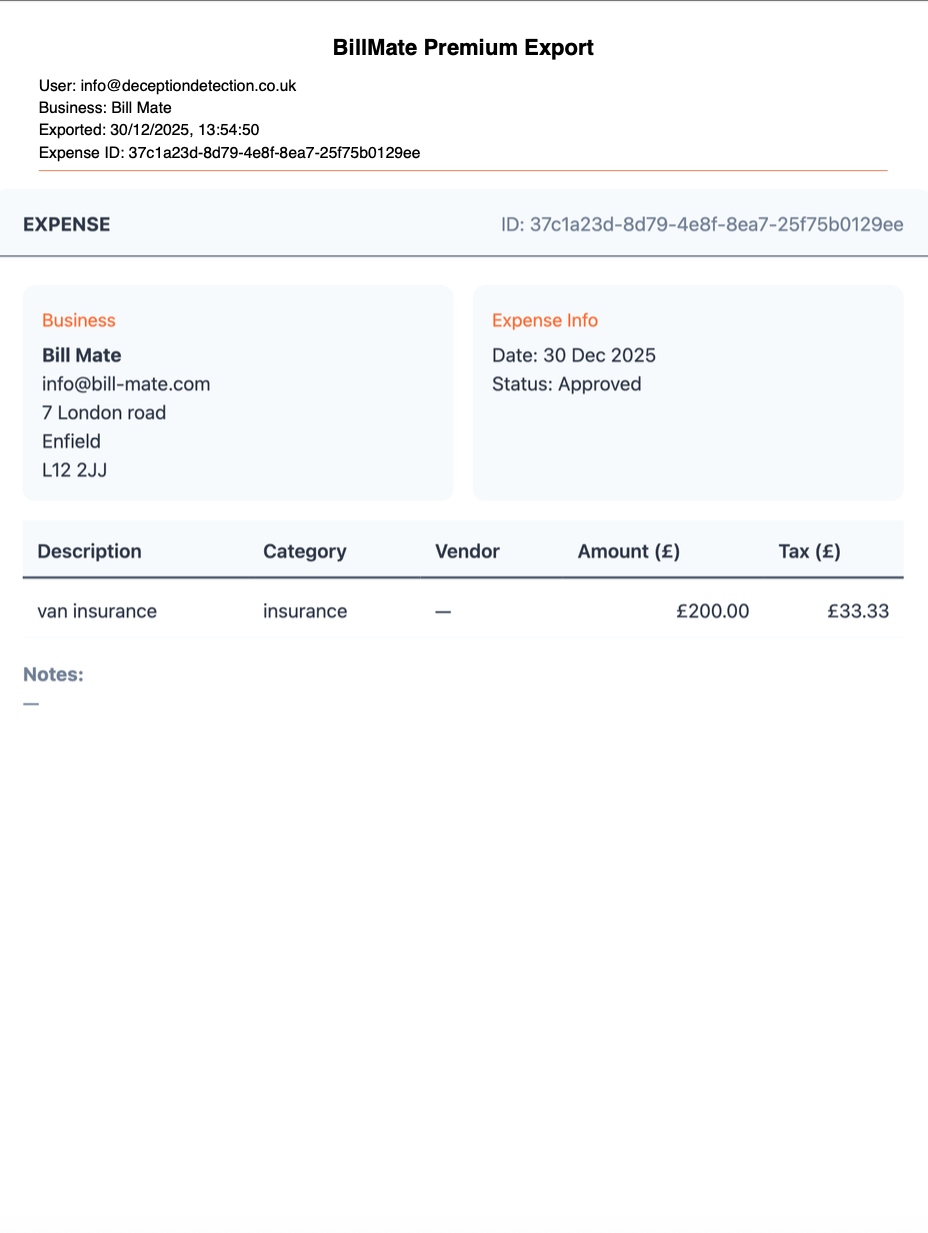
Export expense data to CSV, PDF, or integrate directly with popular accounting software.
Track deductible expenses and generate tax-ready reports to maximize your returns.
Compare expenses across all your businesses to identify opportunities for cost optimization.
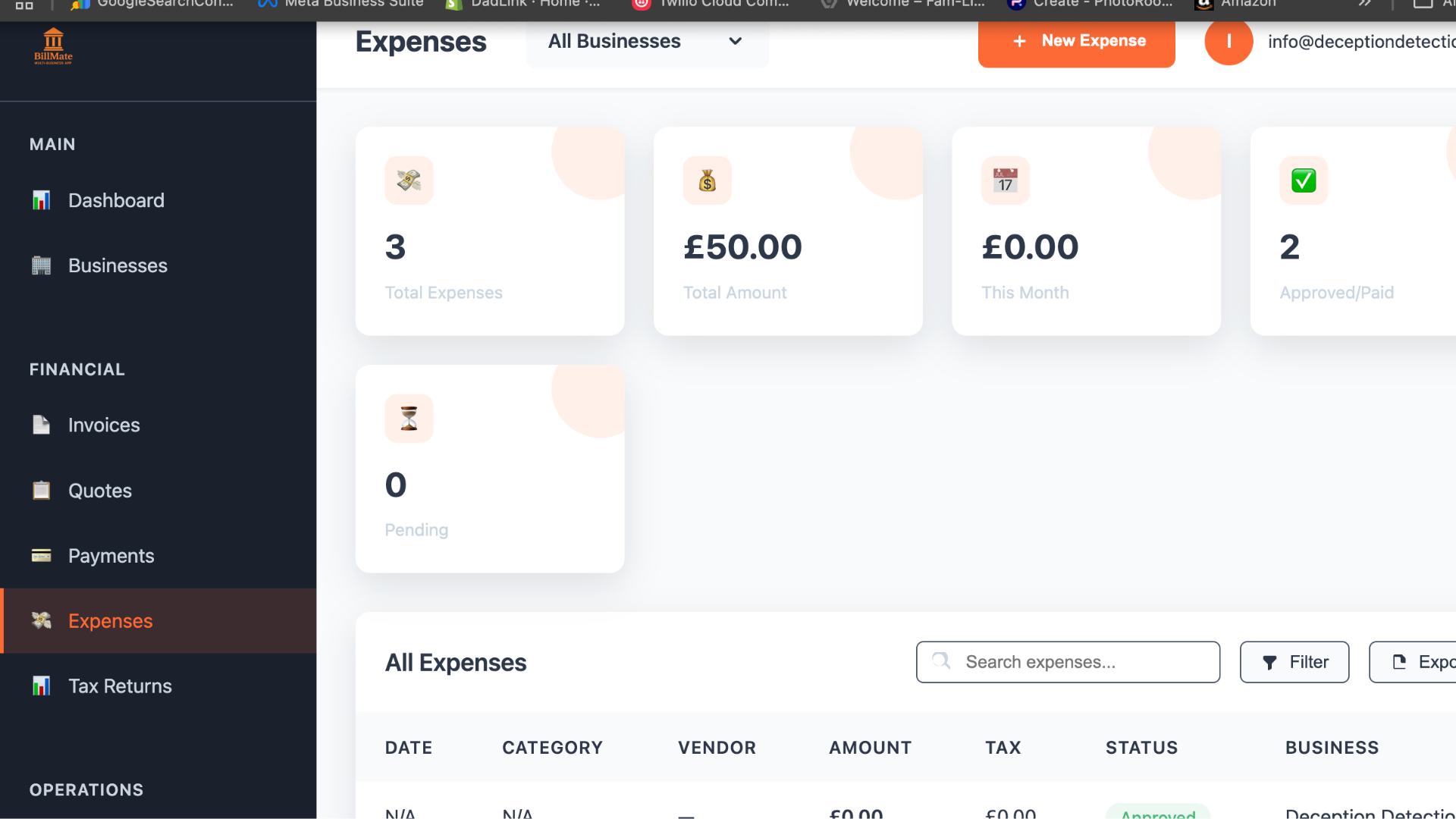
Manage expenses on the web with pro templates, live tracking, and seamless sync with the iOS app.
Freelance Designer
Small Business Owner
Contractor
Event Planner
Consultant
E-commerce Store
Plumber
Digital Marketer
Yes! Simply take a photo of your receipt within the app. Our OCR technology extracts the details (date, amount, merchant) automatically, so you don't have to type it in.
Absolutely. You can track expenses in any currency. BillMate automatically converts them to your base currency for accurate reporting using up-to-date exchange rates.
Yes, you can export your expense reports in CSV, PDF, or Excel formats. These reports are formatted to be tax-ready and compatible with major accounting software.
You can mark any expense as recurring (e.g., monthly rent, software subscriptions). BillMate will automatically generate these entries for you on the scheduled dates.
Yes. You can categorize expenses as "Business" or "Personal" or allocate them to specific business profiles if you run multiple companies, keeping your finances strictly separate.
Your data is encrypted with bank-level security and stored safely in the cloud. Receipts are backed up, so you never have to worry about fading thermal paper again.
Yes, BillMate includes a mileage tracker. You can log trips manually or use GPS tracking to calculate deductible mileage costs automatically.
Yes, while we provide standard tax categories by default, you can create and customize unlimited expense categories to match your specific business needs.
Start tracking smarter, save money, and gain insights that drive growth