Layla M.
★★★★★
Quotes look great and get approved faster—less back and forth.
Create a clear, VAT‑ready quote in minutes with BillMate. Add line items and taxes, set validity and terms, include deposits, preview the PDF, send it for approval, and convert to an invoice when accepted.
From adding a client to sending a polished PDF and converting to an invoice
Everything you need to go from blank to accepted—fast
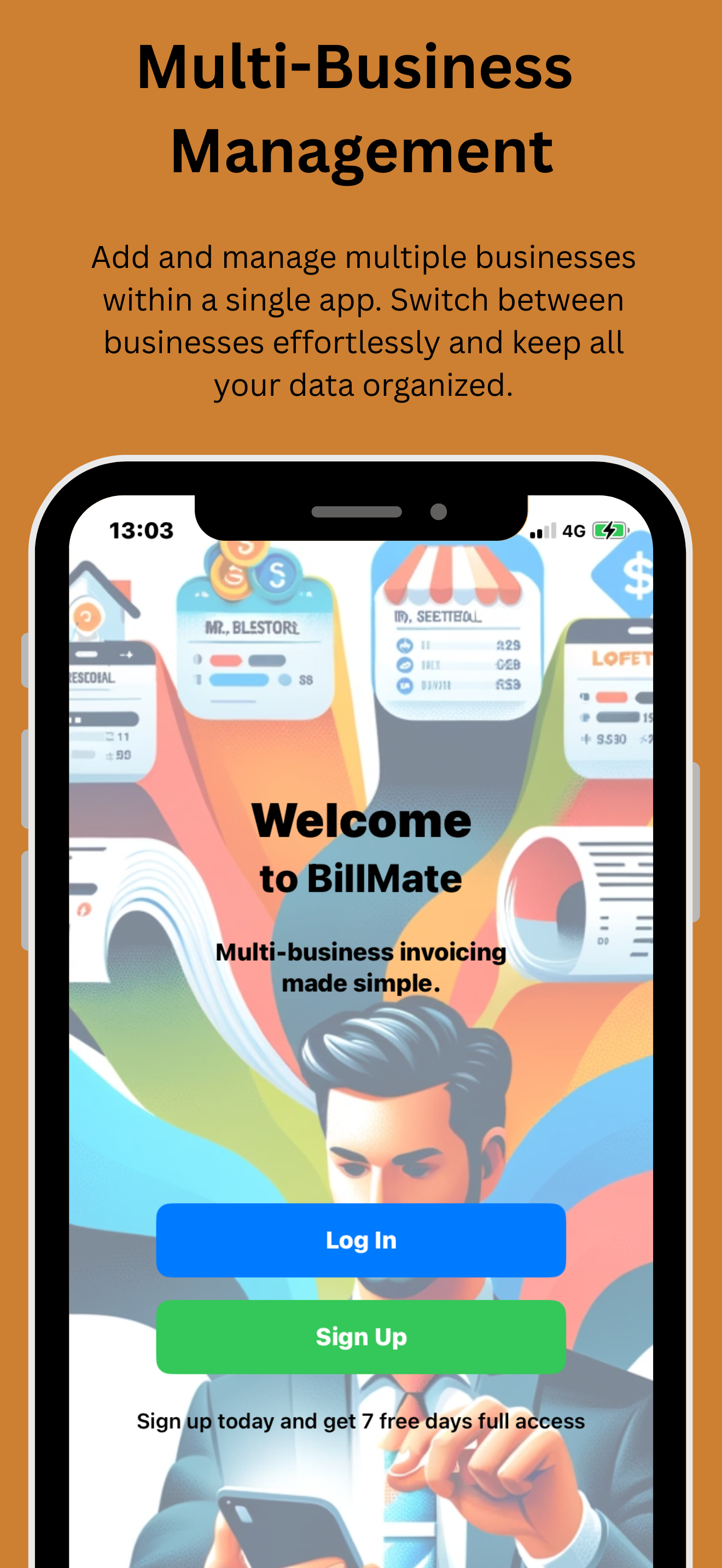
Install BillMate from the App Store, open it, and sign in or create an account.
Add your name, address, contact details, logo, and VAT number (if registered).
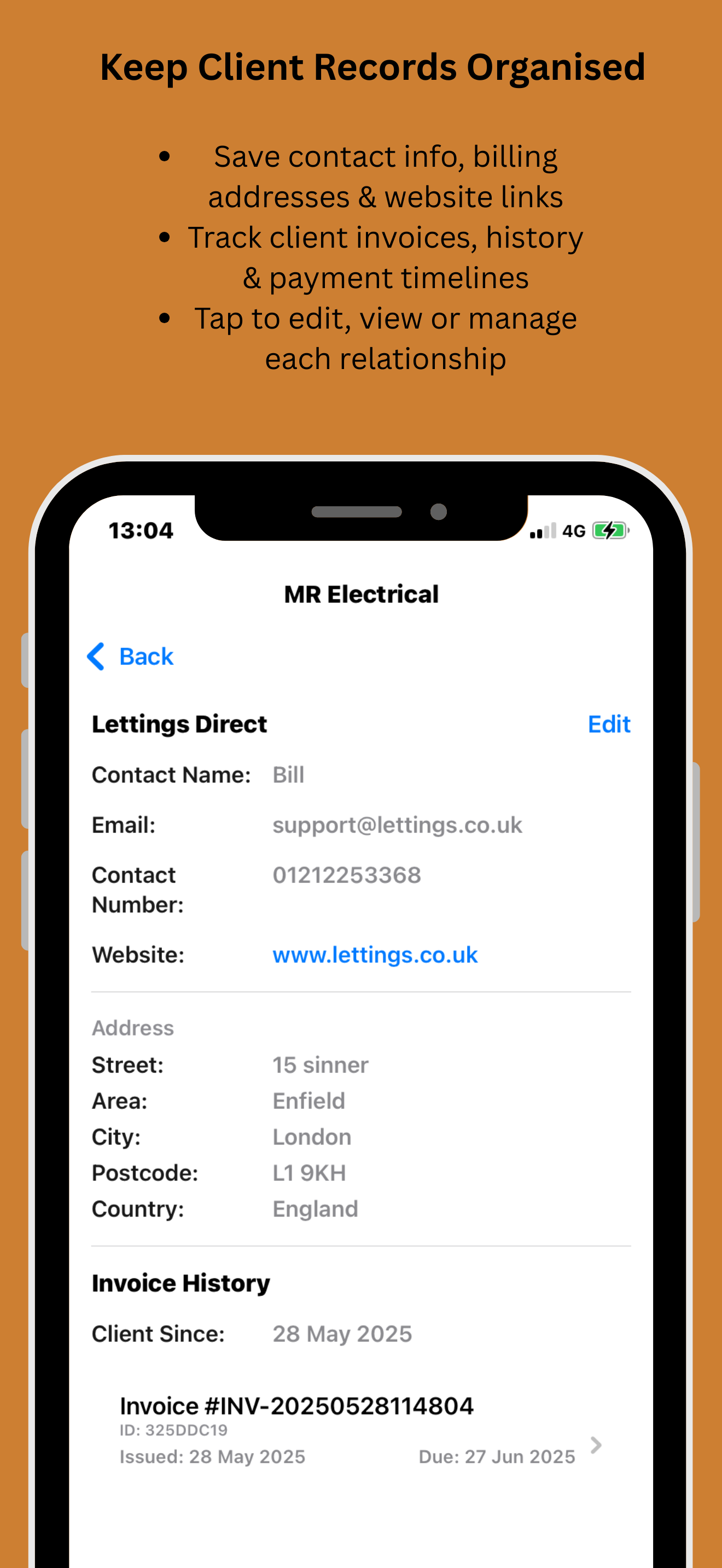
Create a client with billing email and address. Add site address and PO/reference if provided.
Go to Quotes → New. Select business and client, set issue date and validity/expiry, and add a reference/PO.
Add services/parts with quantities, unit rates, VAT/tax, and any discounts. Use notes for clarity.
Add payment terms, deposit requirements (amount or %), and acceptance notes (e.g., signature/email).
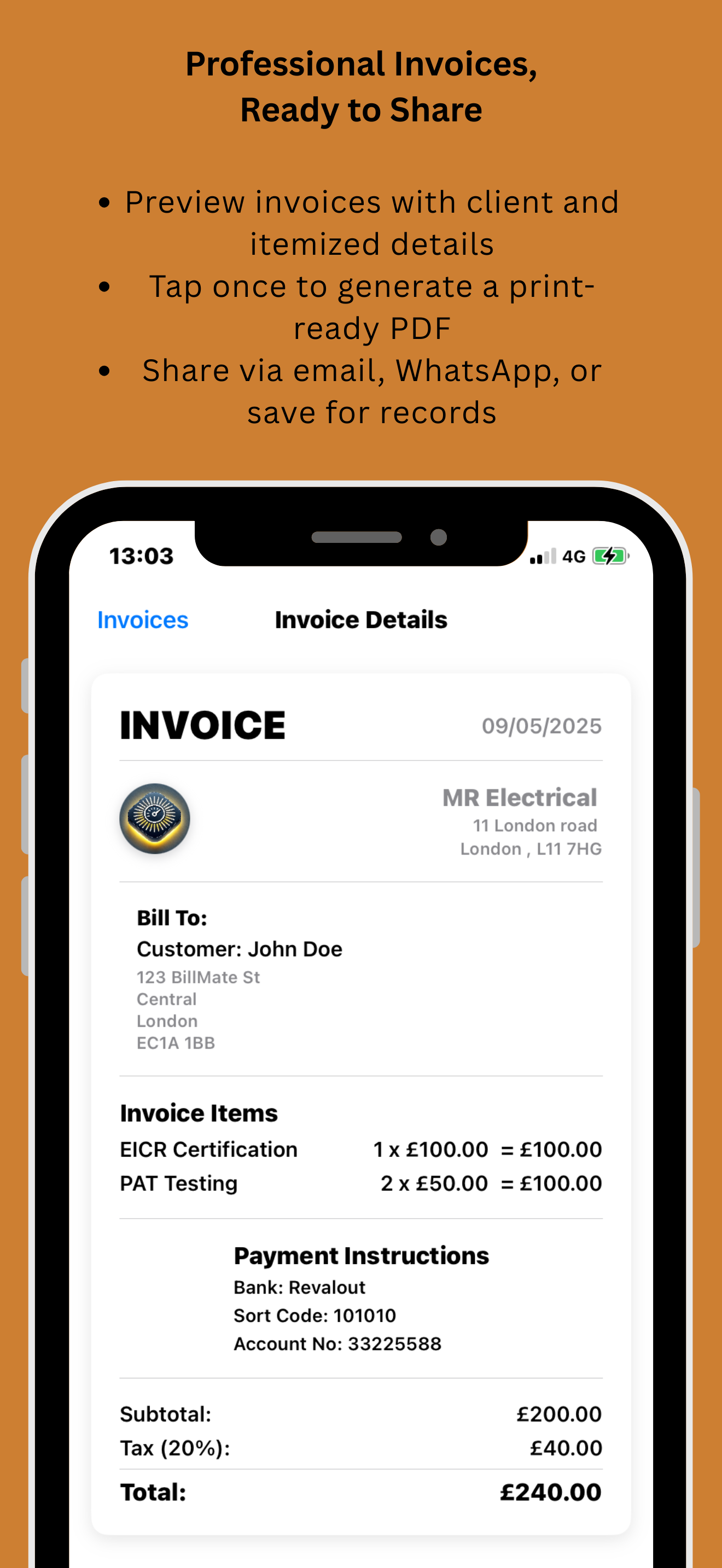
Preview the professional PDF. Share via Mail/Messages or save to Files.
When accepted, convert to an invoice in one tap—everything carries over.
Fill these correctly for faster approvals and fewer revisions
Names, addresses, email, contact. Add VAT number if registered.
Unique quote number, issue date, and a clear validity/expiry date.
Description, quantity, unit price, VAT/tax, discounts; add notes for clarity.
Subtotal, tax totals, discounts, grand total—calculated automatically.
Include payment terms, deposit amount/percentage, and acceptance instructions.
Client PO/job references and site/delivery notes to match requirements.
VAT, discounts, deposits—how your totals are built
Service £300 + Parts £100 = Subtotal £400; VAT 20% = £80; Total £480.
Subtotal £500 → Discount £50 → New Subtotal £450; VAT 20% = £90; Total £540.
Total £600 → Deposit £180 due on acceptance → Balance £420 on completion.
Line A at 5%, Line B at 20%—PDF itemises each tax and shows combined totals.
Real feedback from businesses sending quotes on iPhone
Quotes look great and get approved faster—less back and forth.
I add a 30% deposit in the terms—super clear for clients.
One tap to convert to invoice after acceptance—brilliant.
VAT and discounts are simple. The PDFs look professional.
My acceptance rate improved with clearer validity dates.
Download the iOS app to quote on the go or sign up to the online CRM to manage from the web.