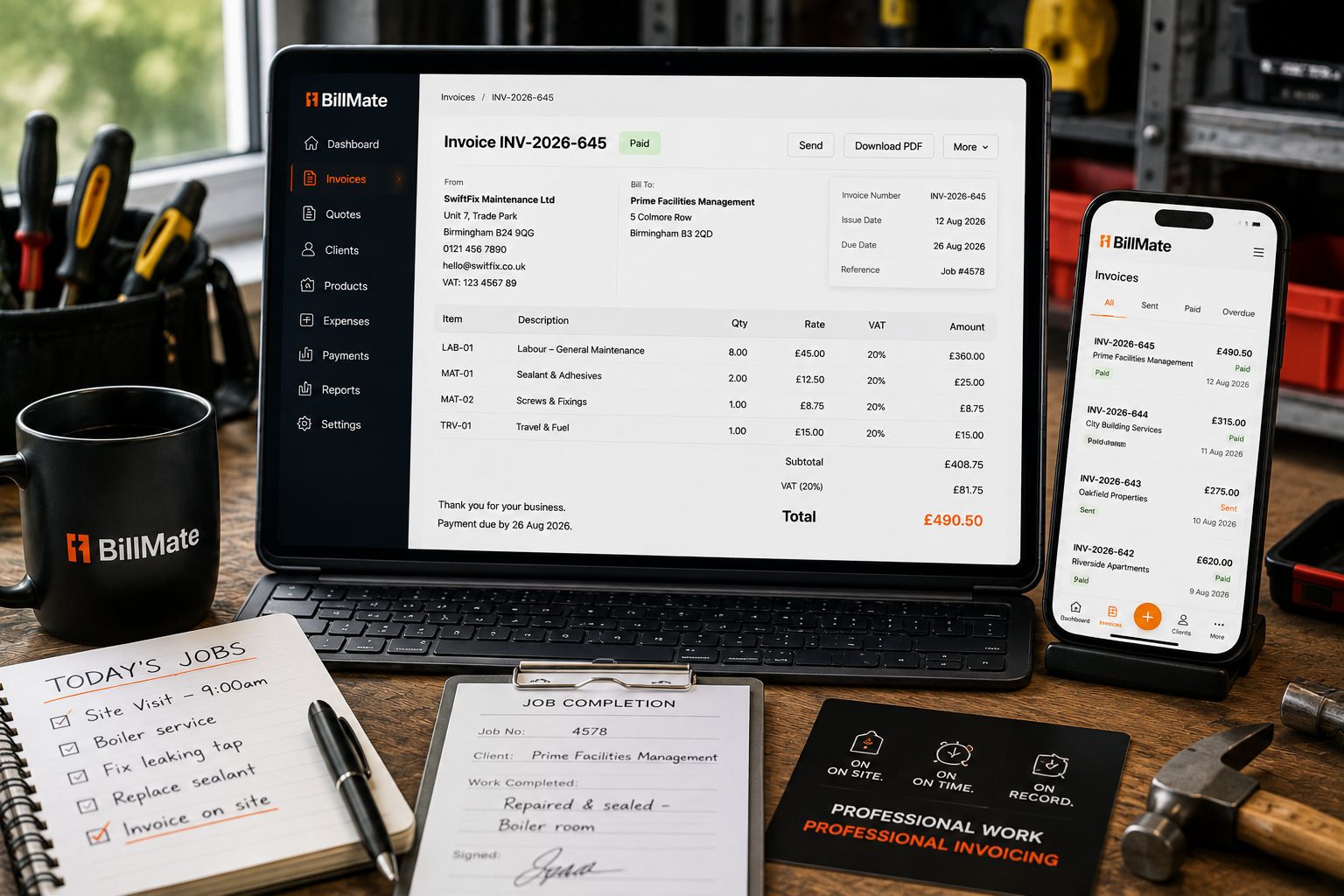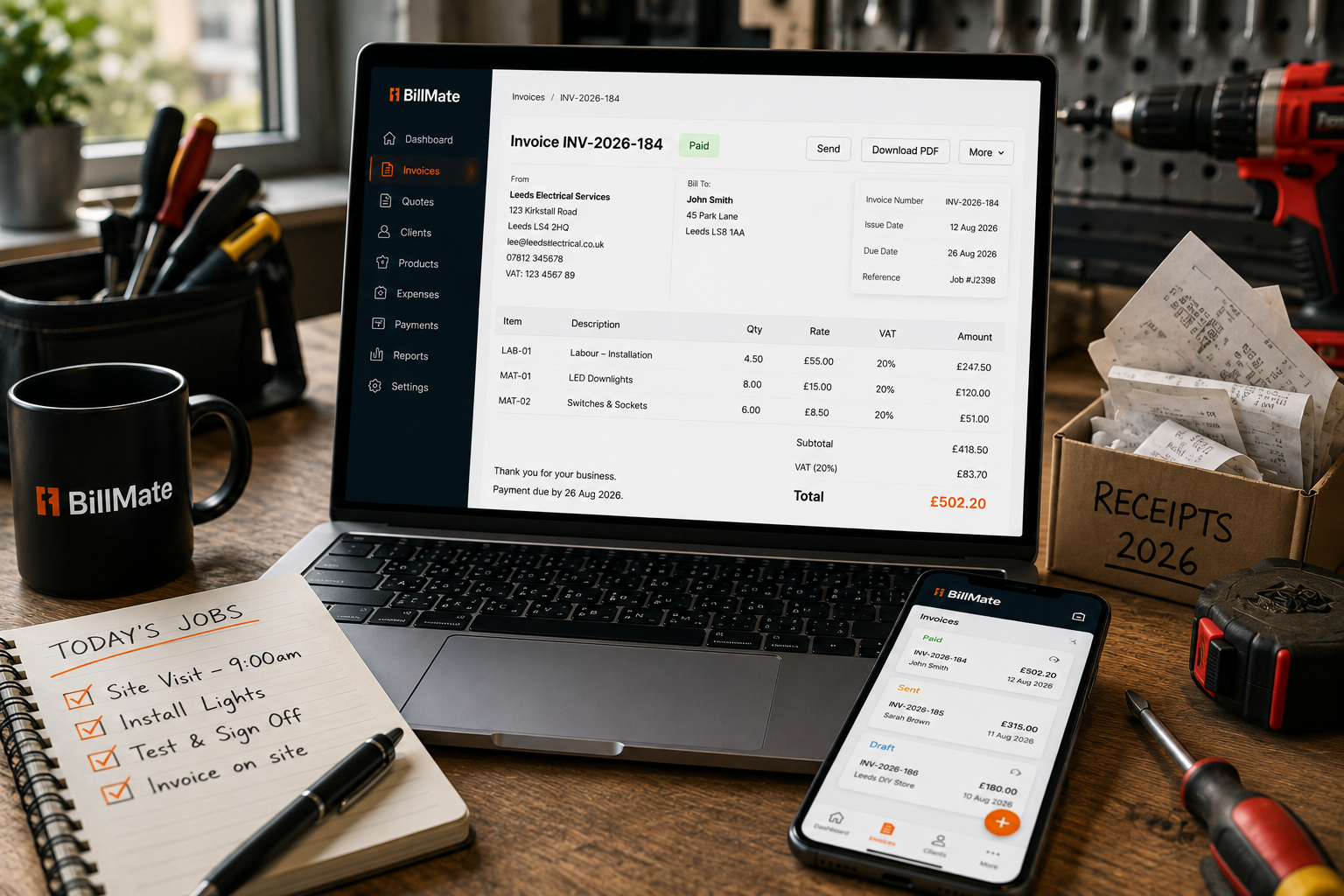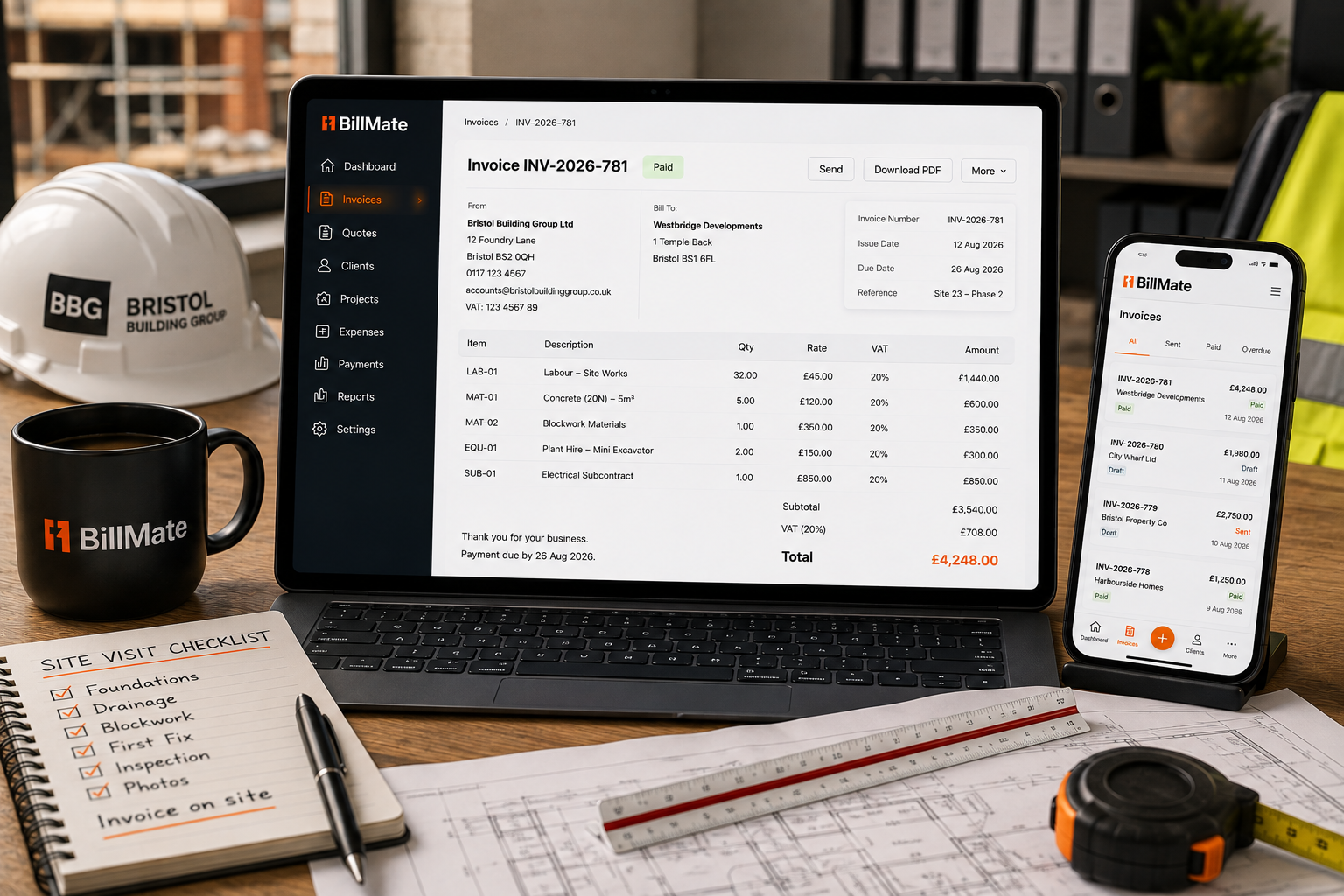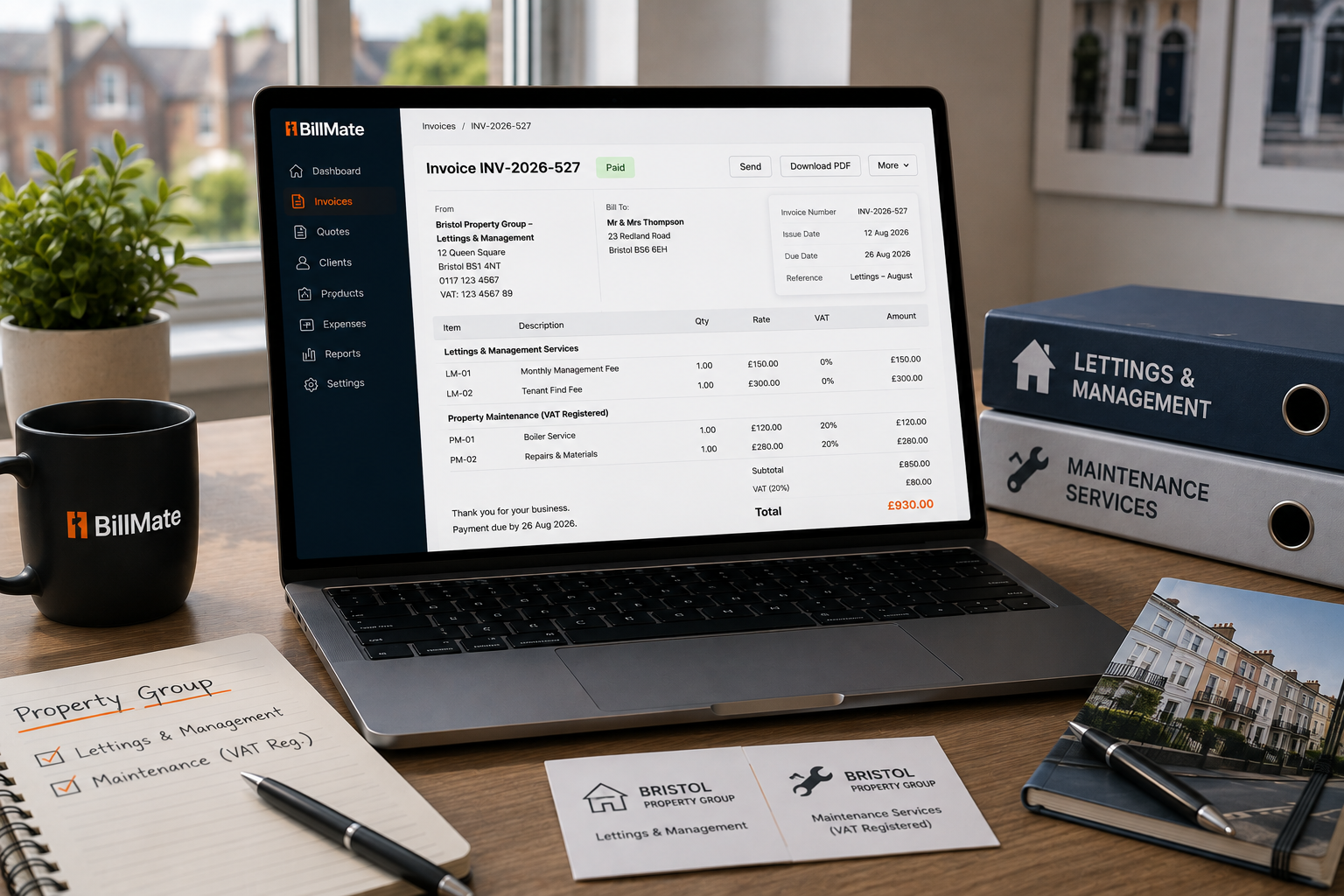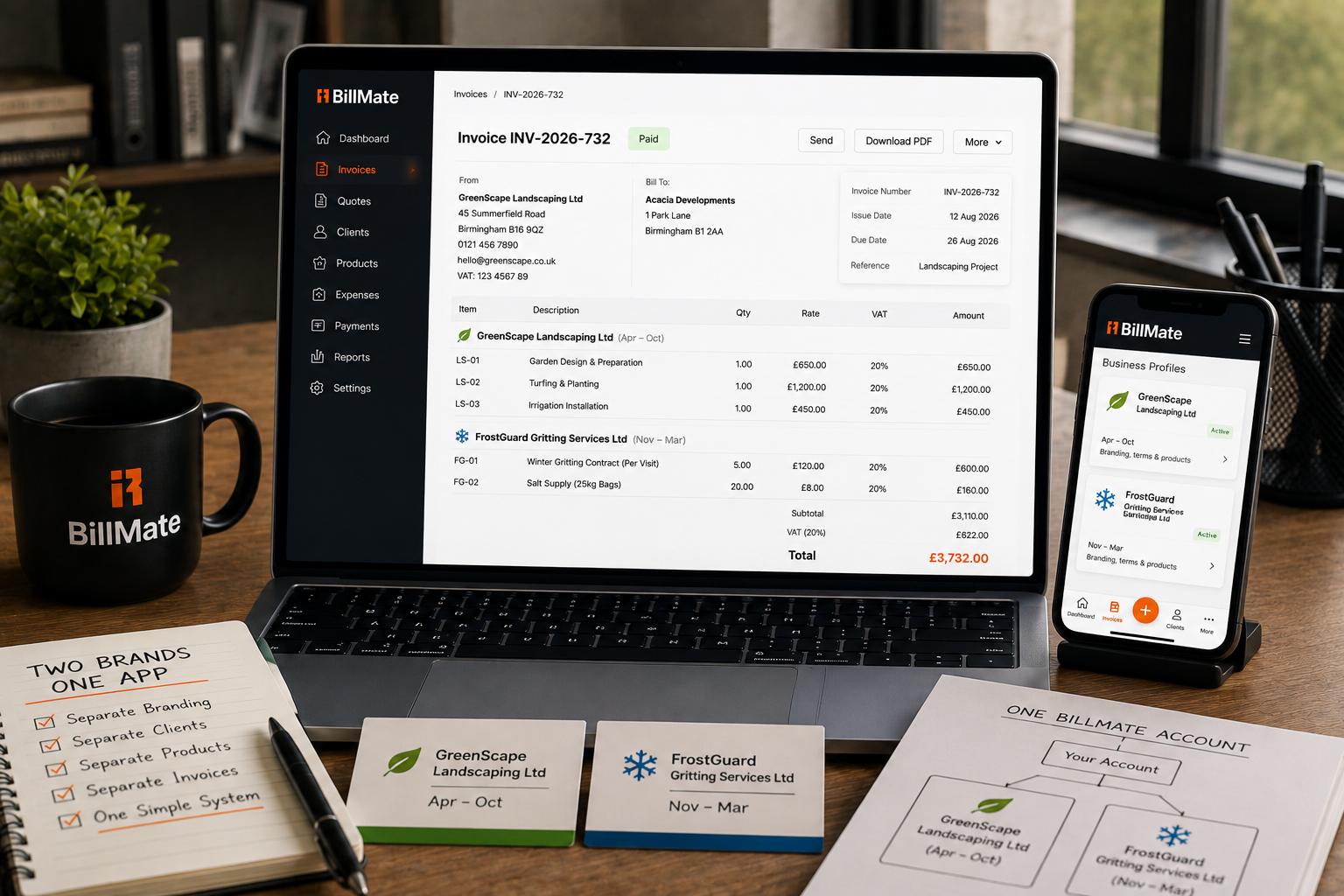
Landscaping in summer, gritting in winter — two real companies, two brands, two sets of bank details and VAT numbers. Running them from two separate logins bred a low-level dread every season switch. Putting both inside one BillMate account turned that switch into a toggle, guaranteed the right details on every invoice, and gave the owner about half a day a month back.
The Challenge
Two seasonal businesses sound tidy on paper and messy in practice. Each had its own brand, bank details and VAT number, and previously its own accounting login, with all the friction that implies: password resets, constant context switching, and the steady low-level risk of raising an invoice from the wrong company.
The owner called it login fatigue, and it cost real time — roughly four hours a month lost to juggling systems. Worse than the time were the near-misses: the occasional heart-stopping moment where a landscaping invoice nearly went out with gritting bank details, the kind of error that is awkward to unpick and worse to explain to a client.
And because the two systems never talked to each other, seeing how the year as a whole was going meant merging exports by hand — so the full picture arrived late, if at all.
The Switch To BillMate
BillMate's multi-business feature put both companies inside a single account. The owner toggles between business profiles, and every invoice automatically carries the correct logo, bank details and VAT number for that entity. The right details are a property of the profile, not a thing to double-check.
There is nothing to remember and nothing to re-enter: the profile is the guarantee that the right company's details go out on the right paperwork. The category of error that used to cause near-misses simply cannot happen.
How They Use BillMate Day-To-Day
Seasonal switchover — once a small administrative event, dreaded each spring and autumn — is now a toggle. Summer invoices go out under the landscaping brand, winter invoices under the gritting brand, and the owner never logs out of anything or resets a password to change hats.
The unified revenue view shows both companies' performance in one place, which turned end-of-year planning from an exercise in merging exports into a single honest picture of the year. Decisions about where to invest, and which season is really carrying the business, are now made on one clear view.
The Features Doing The Heavy Lifting
Three capabilities carried most of the improvement for this owner:
- Two companies in one account, each a separate profile with its own identity
- Automatic correct logo, bank details and VAT number per profile
- A one-tap toggle between brands with no logging out
- A unified revenue view across both businesses for end-of-year planning
The same multi-business support would add a third venture just as cleanly under one login.
The Results
For a two-company owner, the wins were measured in errors that stopped happening:
- Two distinct brands managed from one single login
- Zero errors between the companies' bank details
- Around four hours a month saved by ending the login juggling
- A unified revenue view across both business interests
- A dreaded seasonal switch reduced to a one-tap toggle
"I used to dread the season switch. Now it is a toggle. Right logo, right bank details, right VAT number, every time, and I got half a day a month back."
Owner, Birmingham landscaping and gritting companies
Advice For Other Multi-Business Owners
The owner's takeaway was that separate logins are a false economy: they feel like separation but really just add friction and risk. Put each business in its own profile under one account so the correct identity travels with every invoice automatically, keep one login for the person doing the work, and use a combined revenue view to see the whole year at once. The dreaded switch becomes a toggle, and the near-misses stop.
Other multi-venture owners have taken the same route: see how a creative director kept agency and coaching clients fully segregated, or how a property group separated lettings from maintenance.